The serial interface #1 of the leak detector needs to be in advanced mode. This should be the default setting. If it is not, you can change it in the Settings menu of the leak detector:
If not already done, activate the Bluetooth of your smartphone.
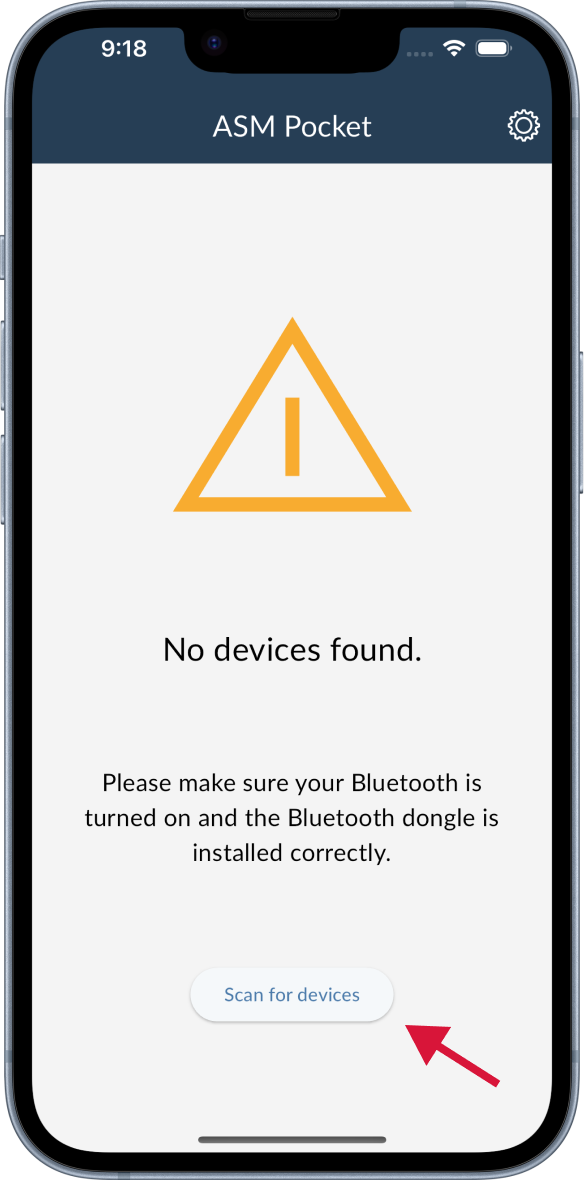
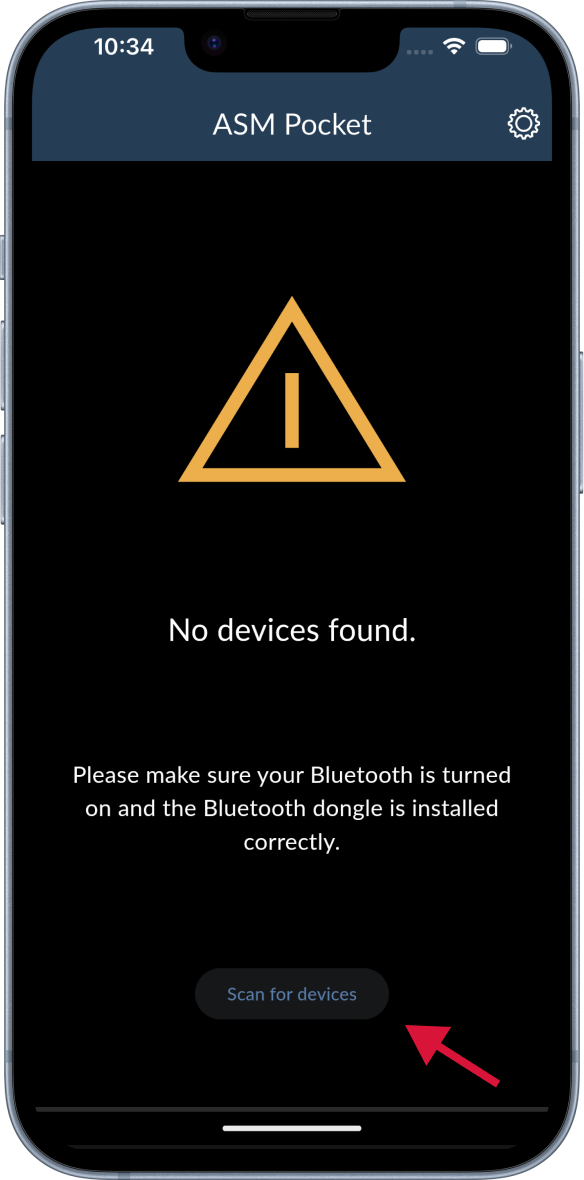
Search for the leak detector by tapping the Scan for devices button at the bottom. The running search can be refreshed by pulling down the result list.
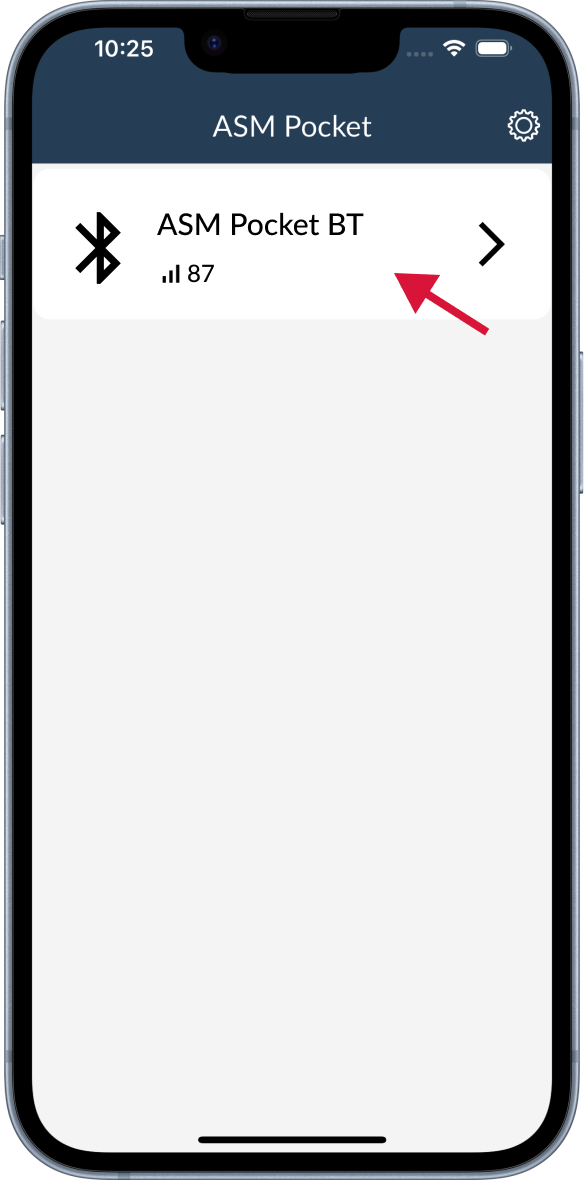
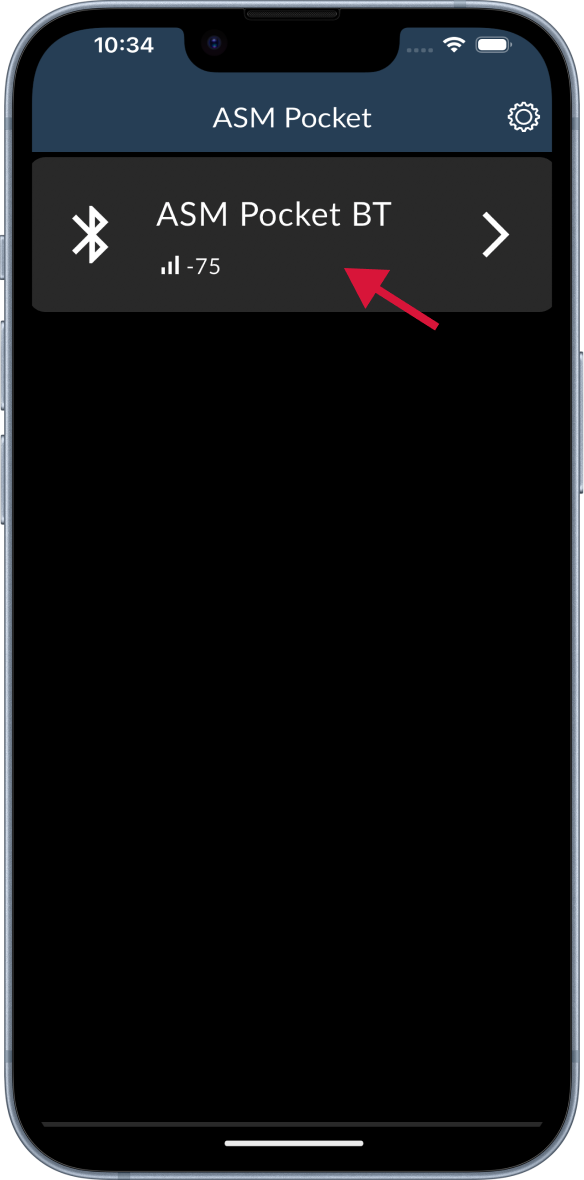
Select the adapter you want to connect to. The adapter name is ASM Pocket BT (iOS) or taskit BLE 232 (Android).
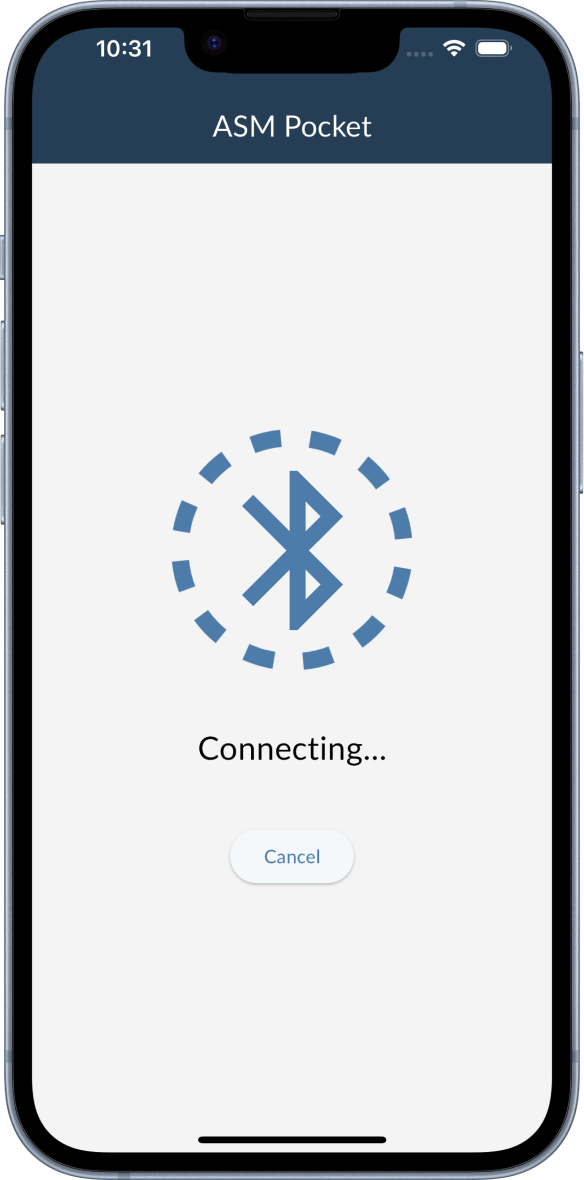
You will be connected automatically. If you want to cancel the connection, tap the Cancel button.
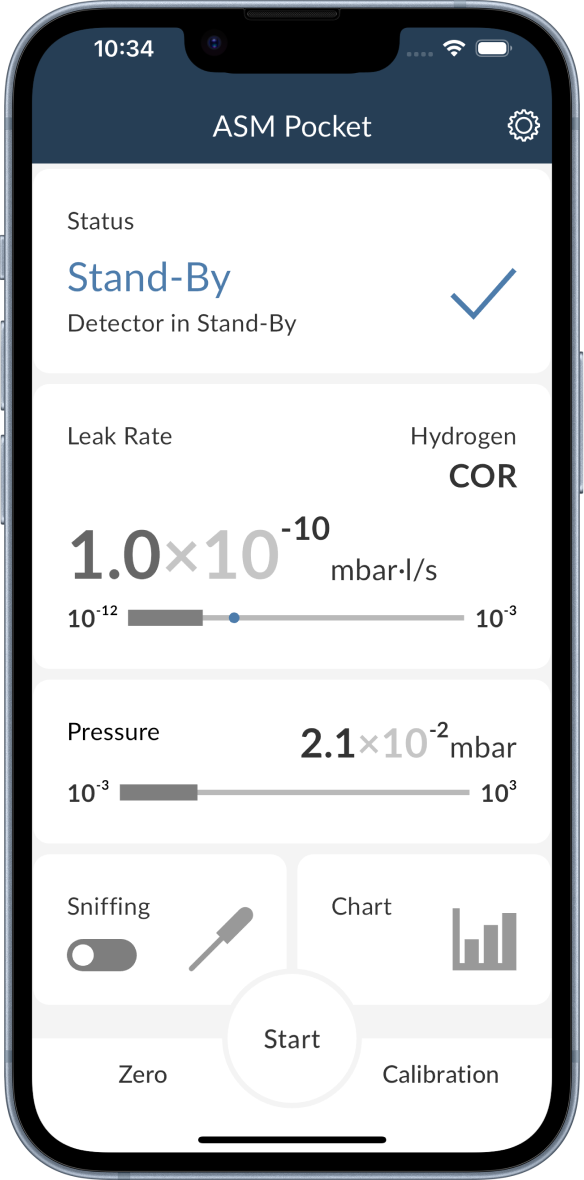
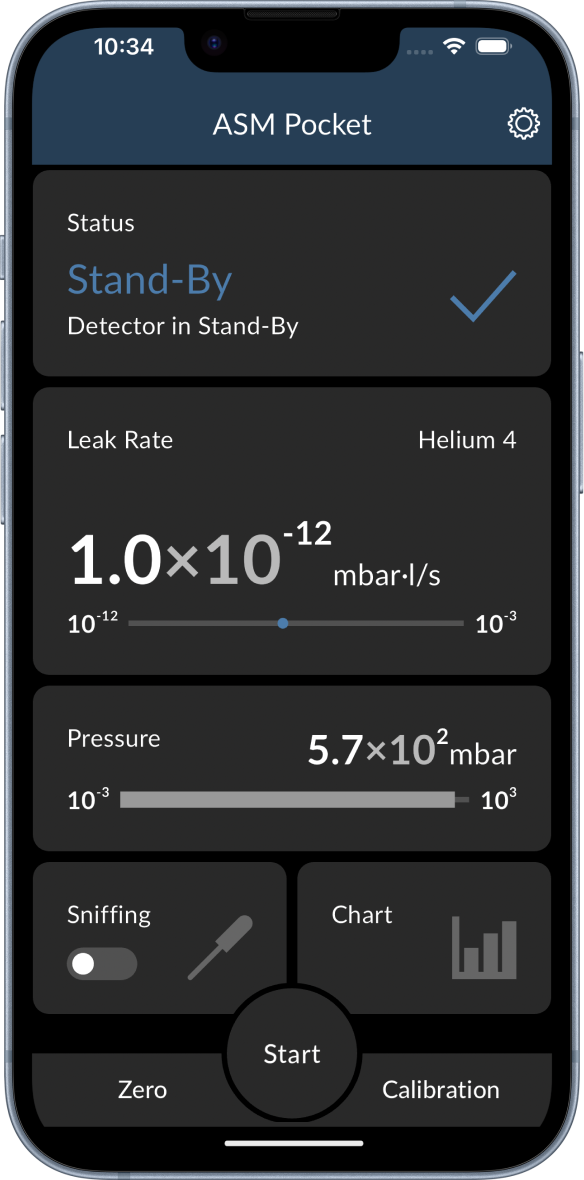
If the connection is established, you will be redirected to the Dashboard.
You are ready to go! 🎉 All the available features are described in the Functions section.