Leak Detection
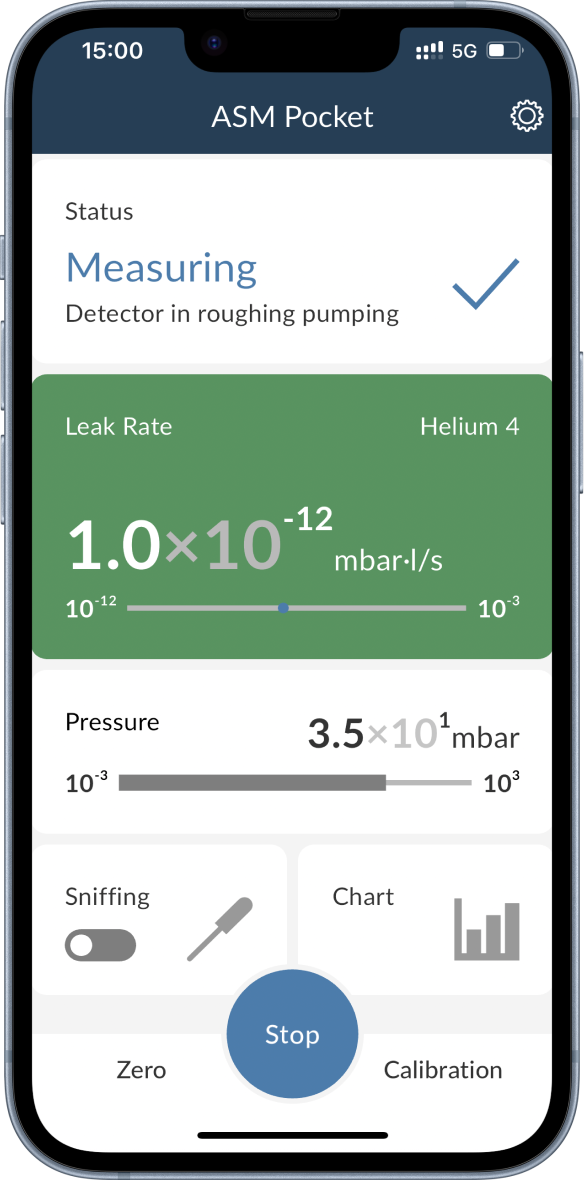
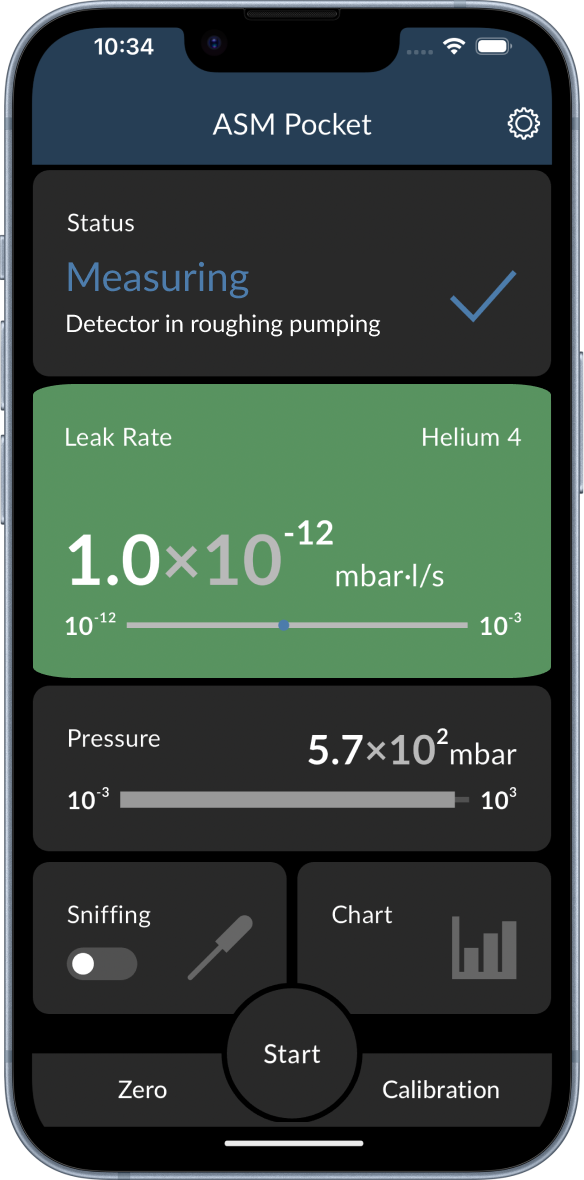
The main function of the ASM Pocket app is to remotely start and stop leak detection. To do so you simply press the Start button that can be found at the bottom. A running leak detection is indicated by the blue Stop button that replaces the Start button and the colored background of the leak rate card. The color of the background indicates the current status of the leak detection:
- Green: Leak detection is running and the leak rate is below the set threshold.
- Red: Leak detection is running and the leak rate is above the set threshold.
info
If the threshold is crossed, the app will notify you with vibration and sound. The notifications can be disabled in the settings.