How to connect
Prerequisites
- The
serial interface #1of the leak detector needs to be inadvancedmode. This should be the default setting. If it is not, you can change it in theSettingsmenu of the leak detector:- Go to
Input/Output. - Change
serial interface #1toadvanced.
- Go to
- Installed ASM Pocket app on your smartphone.
- The Pfeiffer Vacuum ECB Wi-Fi.
iOS
Steps
- Connect the Pfeiffer Vacuum ECB Wi-Fi to the RS 232 interface of the leak detector and turn it on.
- Turn on the leak detector (supported leak detectors).
- Go to your smartphone's Wi-Fi settings and connect to the Wi-Fi network of the Pfeiffer Vacuum ECB Wi-Fi. You can find the default network name and password on the back of the ECB Wi-Fi. The default network name is Pfeiffer-Vacuum and the password is PfeifferASM.
- Open the ASM Pocket app.
- Search for the leak detector by tapping the
Scan for devicesbutton at the bottom. The running search can be refreshed by pulling down the result list. - Select the adapter you want to connect to. The adapter name is
Pfeiffer Vacuum.
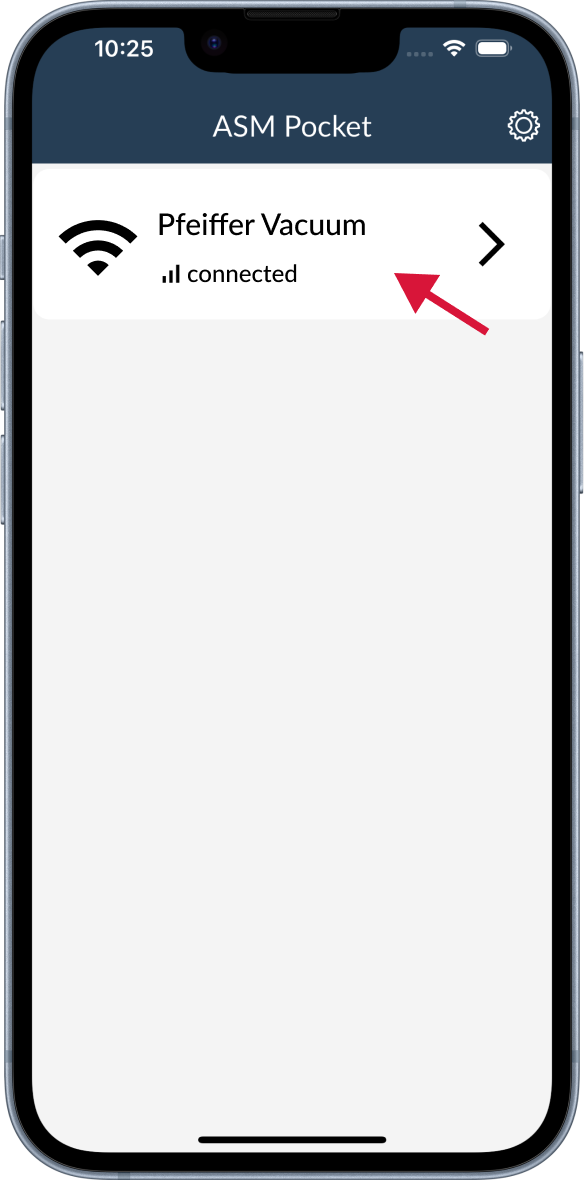
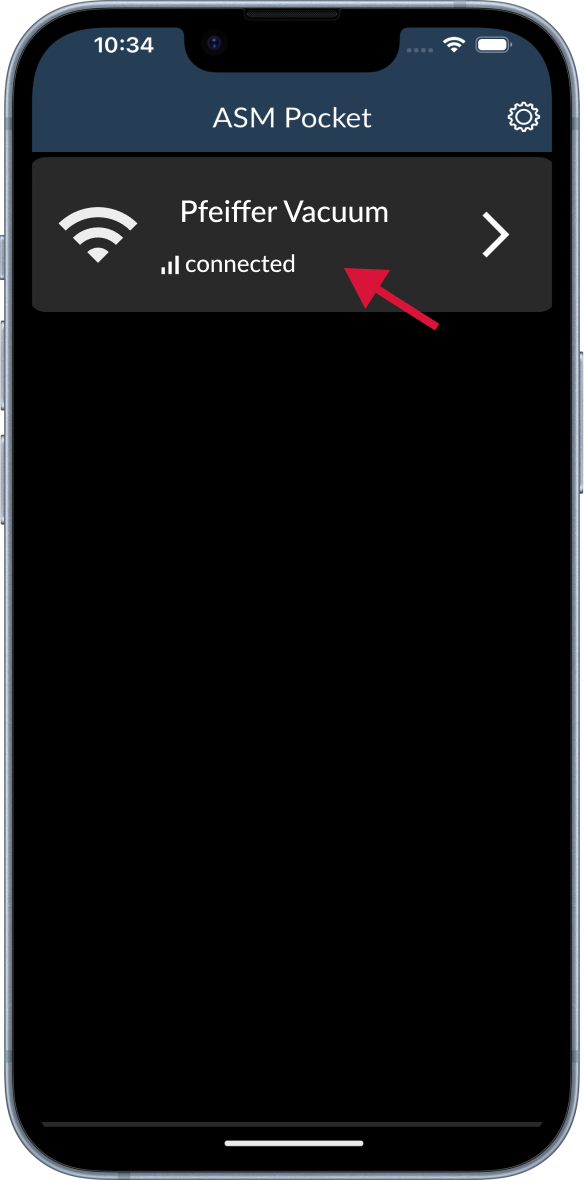
If you can't find the adapter, check that the connection settings (IP address and Port) match the values on the back of your Pfeiffer Vacuum ECB Wi-Fi.
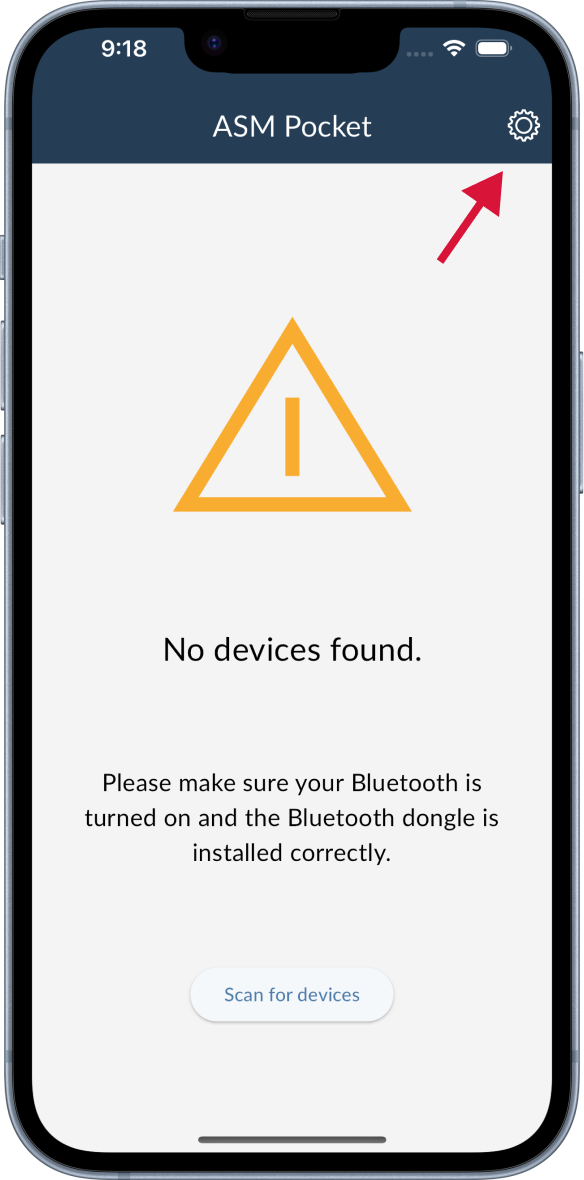
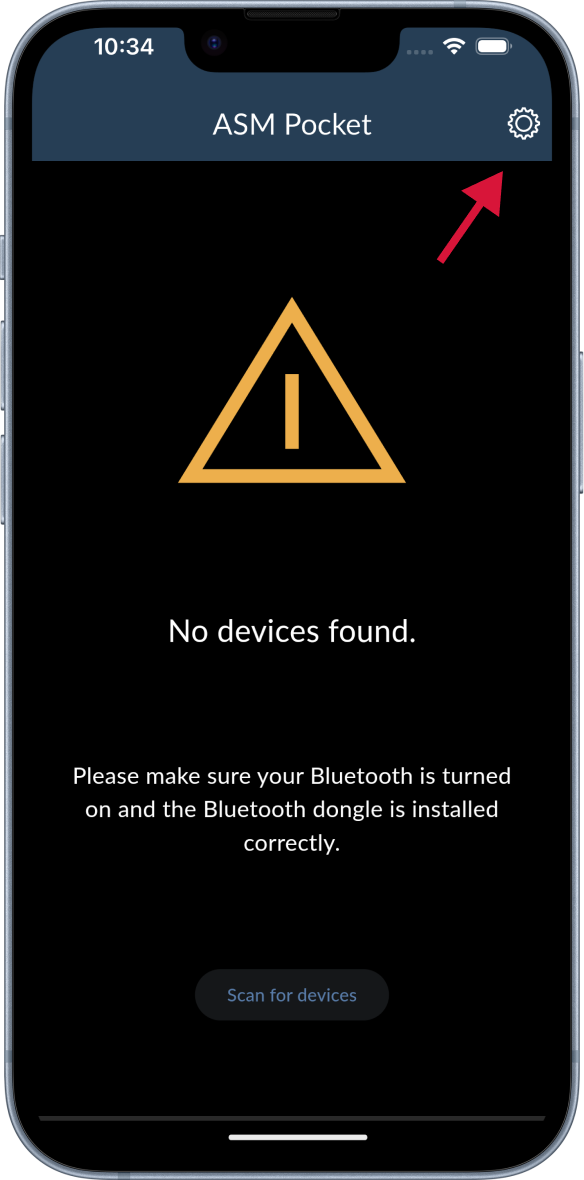
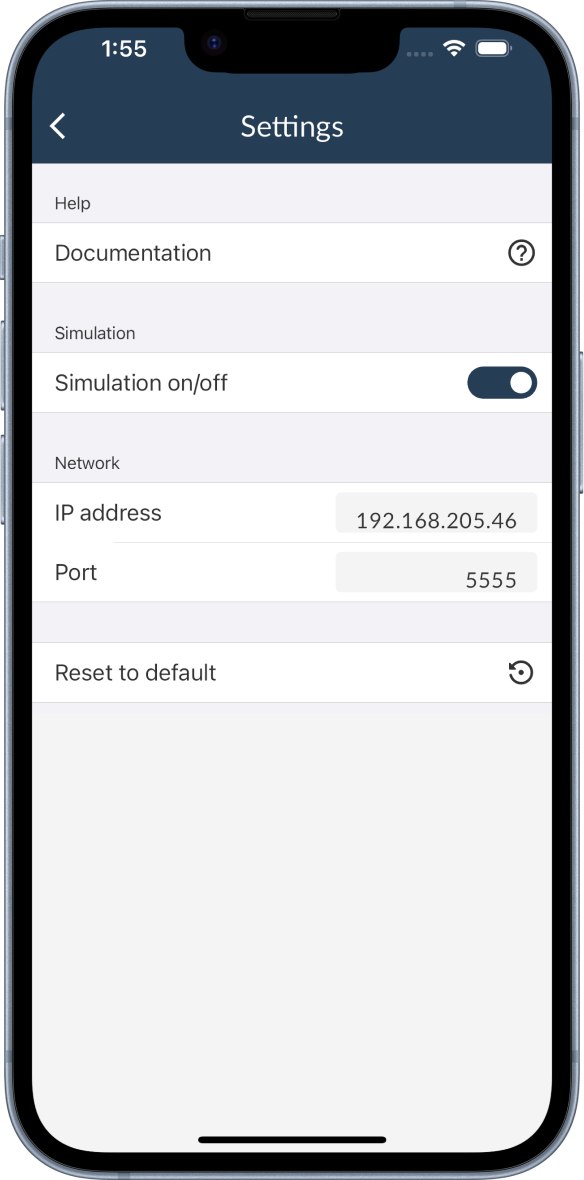
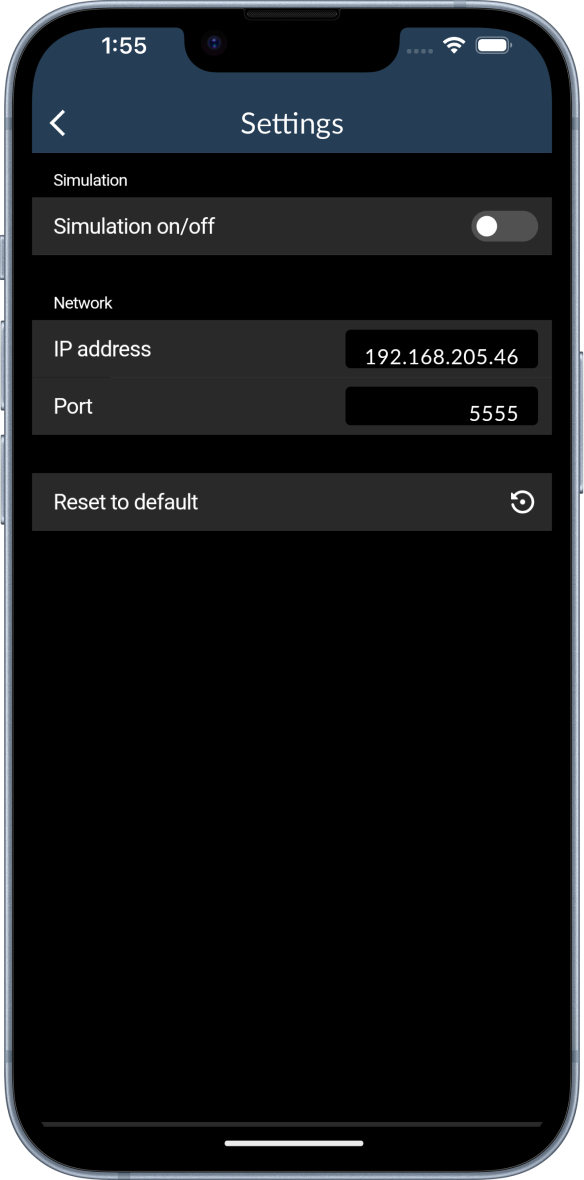
- You will be connected automatically. If you want to cancel the connection, tap the
Cancelbutton.
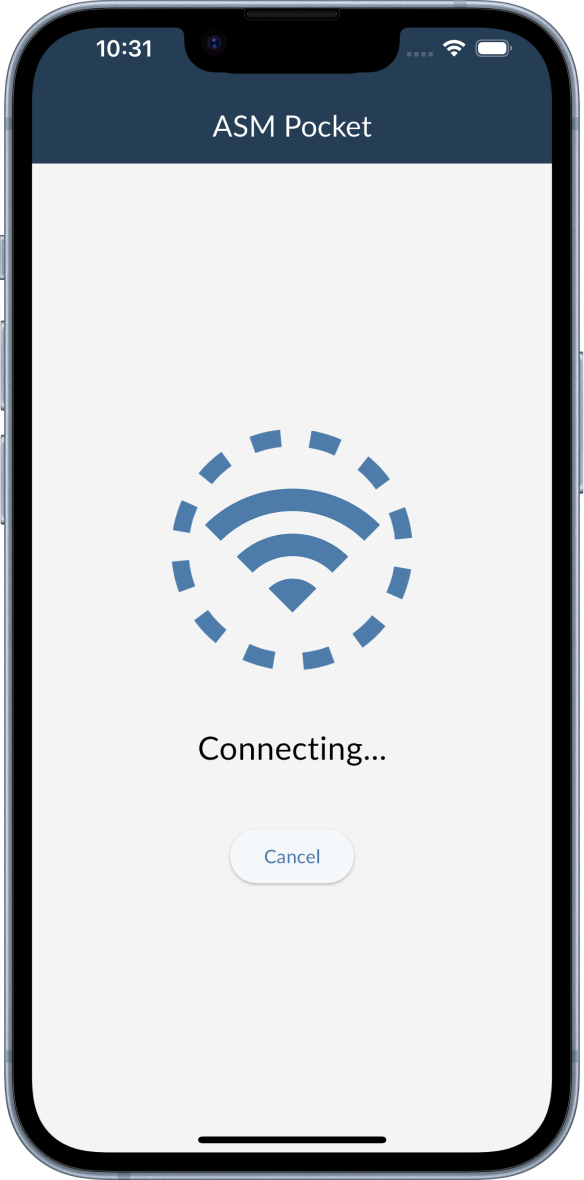
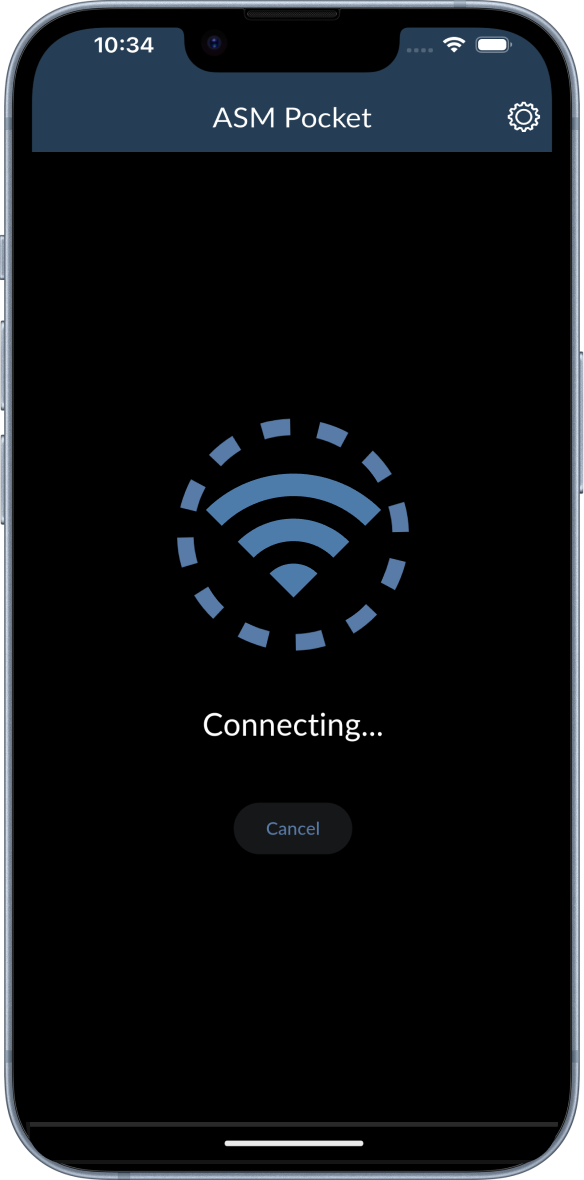
- If the connection is established, you will be redirected to the Dashboard.
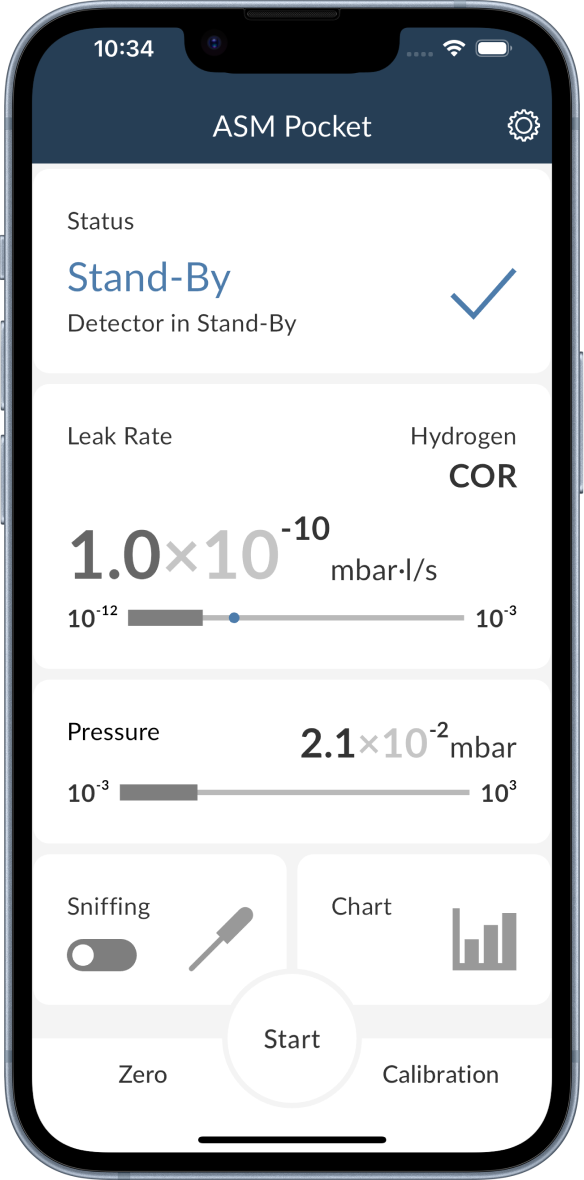
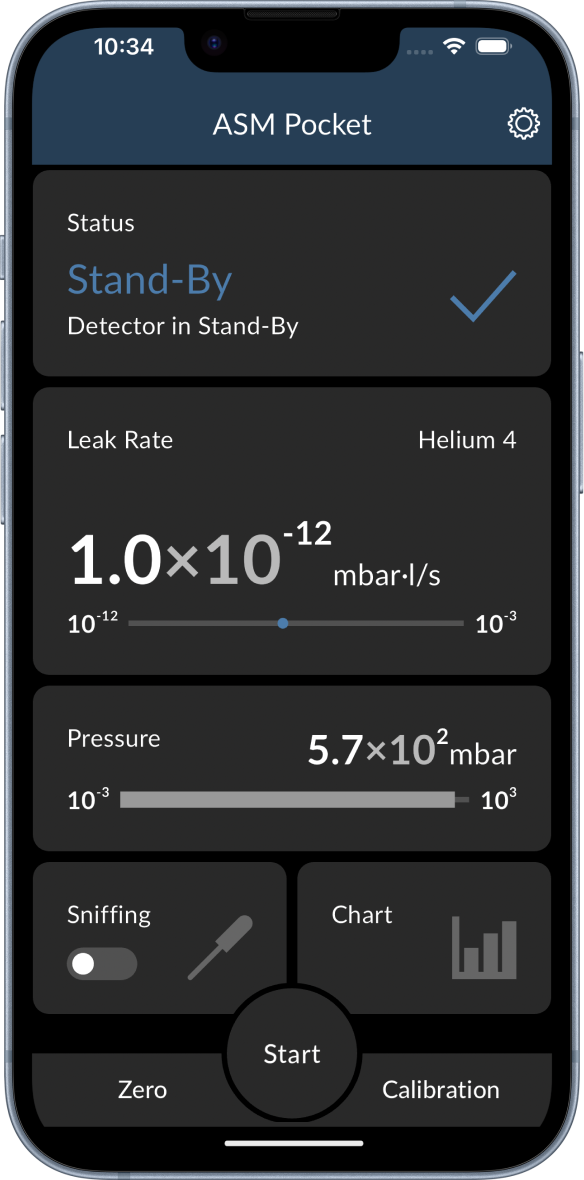
- You are ready to go! 🎉 All the available features are described in the Functions section.
Android
warning
As the ECB Wi-Fi is not maintained anymore, the connection to Android devices is not stable and needs some extra steps. The following instruction is a workaround, so please read the steps carefully beforehand.
Steps
- Connect the Pfeiffer Vacuum ECB Wi-Fi to the RS 232 interface of the leak detector and turn it on.
- Turn on the leak detector (supported leak detectors).
- Go to your smartphone's Wi-Fi settings and connect to the Wi-Fi network of the Pfeiffer Vacuum ECB Wi-Fi. You can find the default network name and password on the back of the ECB Wi-Fi. The default network name is Pfeiffer-Vacuum and the password is PfeifferASM.
tip
The ECB Wi-Fi does not provide internet access. Therefore, you will see a message that the internet is not available and that there are some extra options. Tap on the message and select Stay connected to minimize disconnections from the ECB Wi-Fi.
- Open the ASM Pocket app.
- Search for the leak detector by tapping the
Scan for devicesbutton at the bottom. The running search can be refreshed by pulling down the result list. If you can't find the adapter, check that the connection settings (IP address and Port) match the values on the back of your Pfeiffer Vacuum ECB Wi-Fi.
warning
DO NOT tap on the Pfeiffer Vacuum adapter in the list.
- Wait for the Wi-Fi connection to break. Normally, this takes about 3-5 seconds and might happen due to instability of the ECB Wi-Fi connection.
- Go to the
Settingsmenu of your smartphone and select the Wi-Fi settings. Connect to the ECB Wi-Fi again.
warning
DO NOT refresh the search for devices. If you do, go back to step 5.
- Select the adapter you want to connect to. The adapter name is
Pfeiffer Vacuum.
- You will be connected automatically. If you want to cancel the connection, tap the
Cancelbutton.
- If the connection is established, you will be redirected to the Dashboard.
- You are ready to go! 🎉 All the available features are described in the Functions section.