Zero
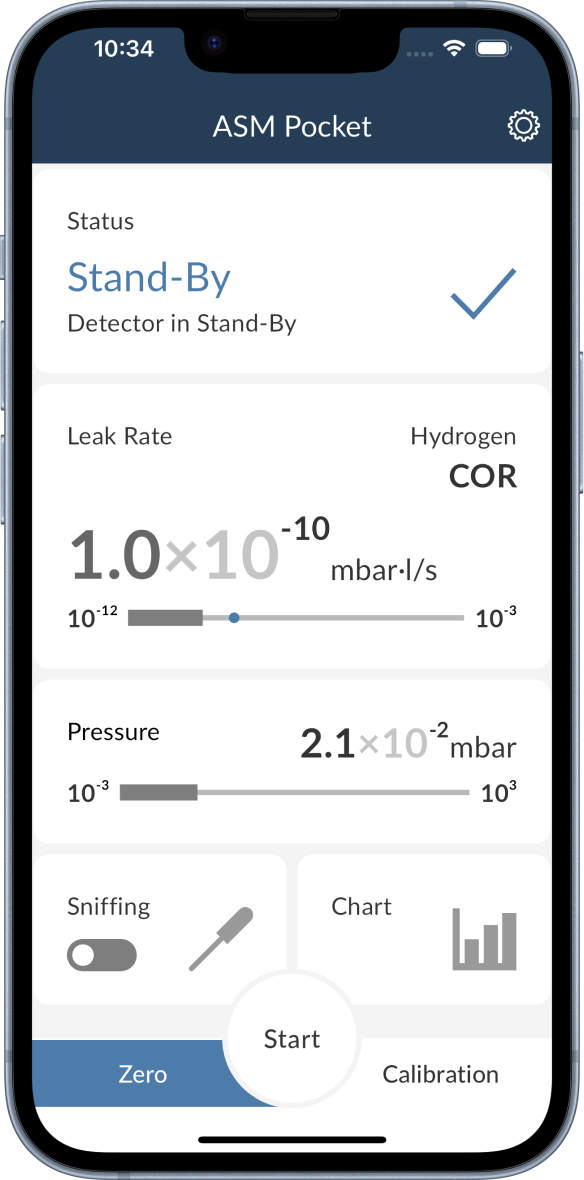
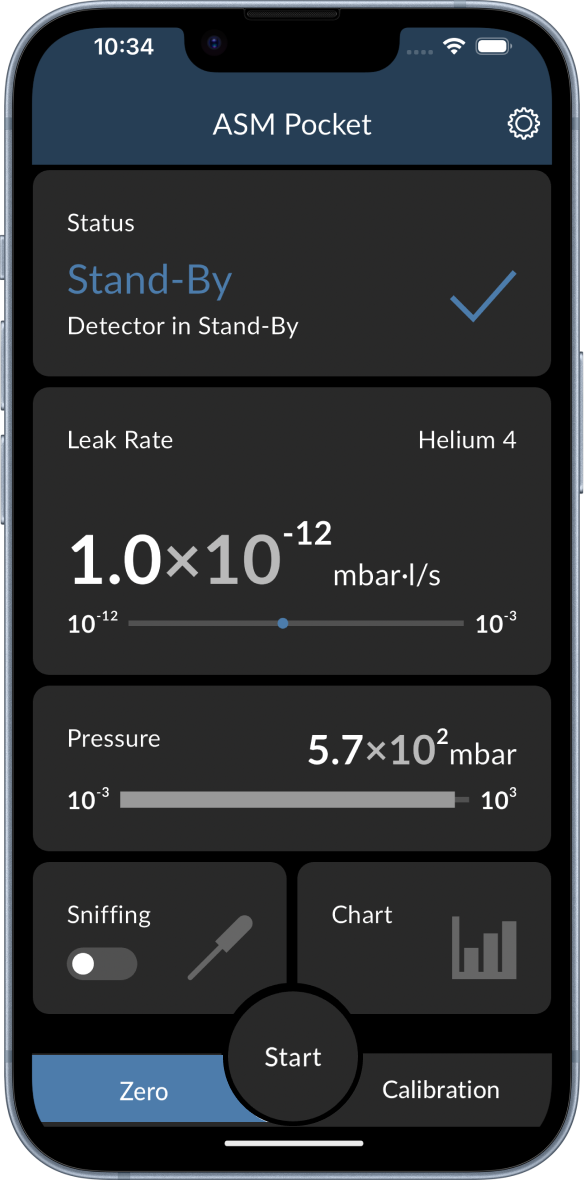
The zero function can be activated by pressing the Zero button in the bottom left corner of the main screen. An activated zero function is displayed by a highlighted blue Zero button as shown in the picture below. The zero function can be activated in stand-by mode and during leak detection.