Chart
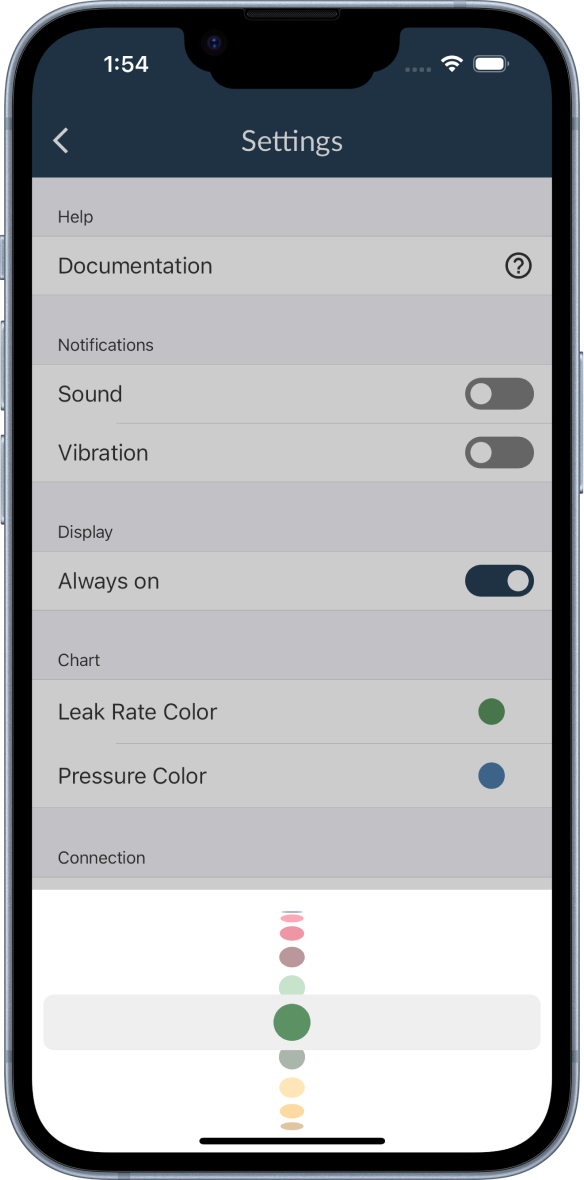
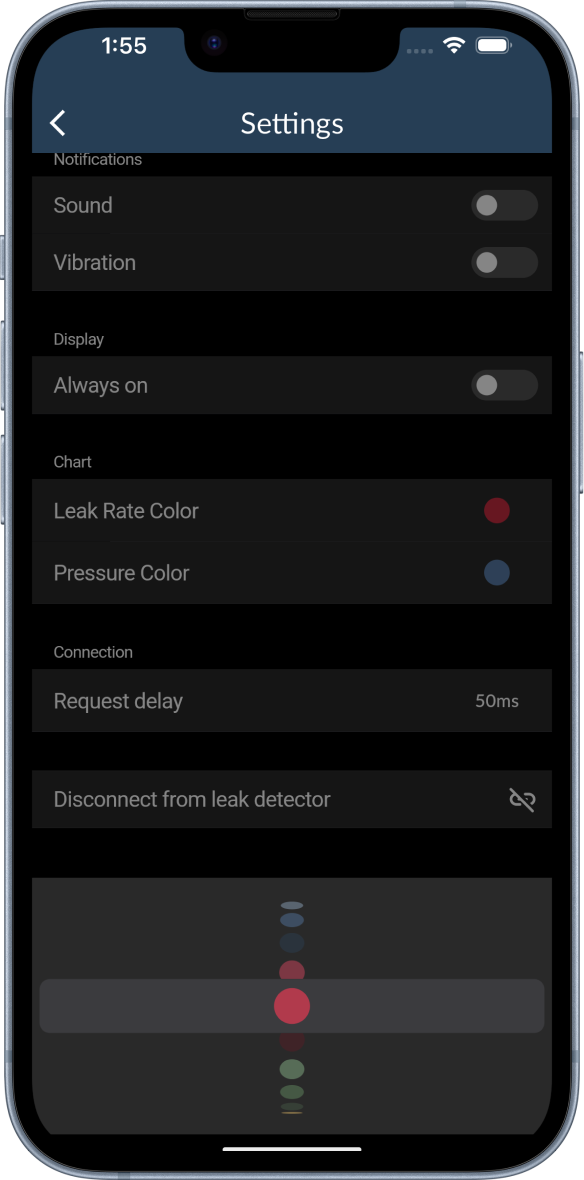
In the display section of the settings you can customize the colors of the leak rate and the pressure lines of the chart.
- Click on the color at the right and a color picker will open.
- Scroll to the desired color and click in the space above the color picker to select the color.
- The color picker will close and the color will be applied to the chart.